(
LOGIN to comment on this article.
)
Miss Burgess Update 19/1/24
19 Jan 2024
English
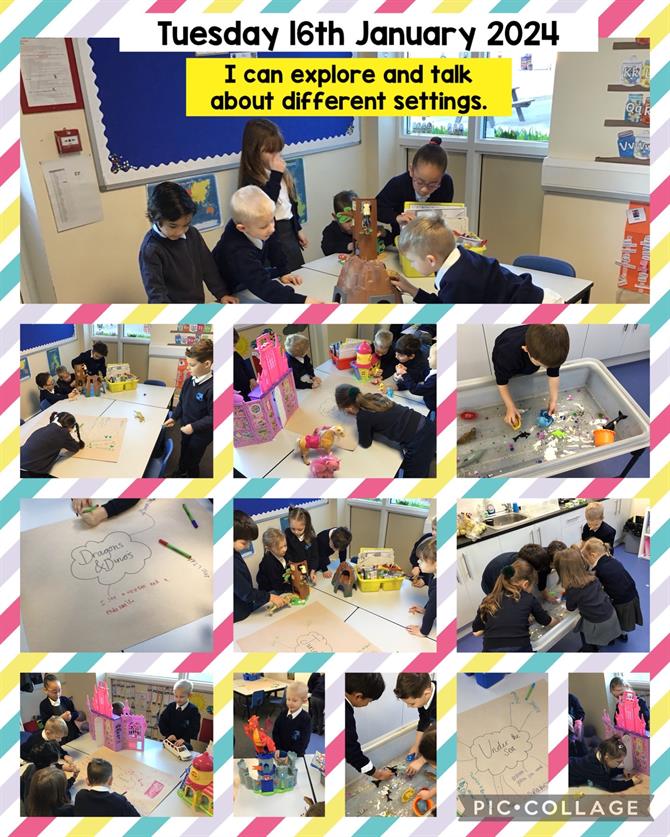
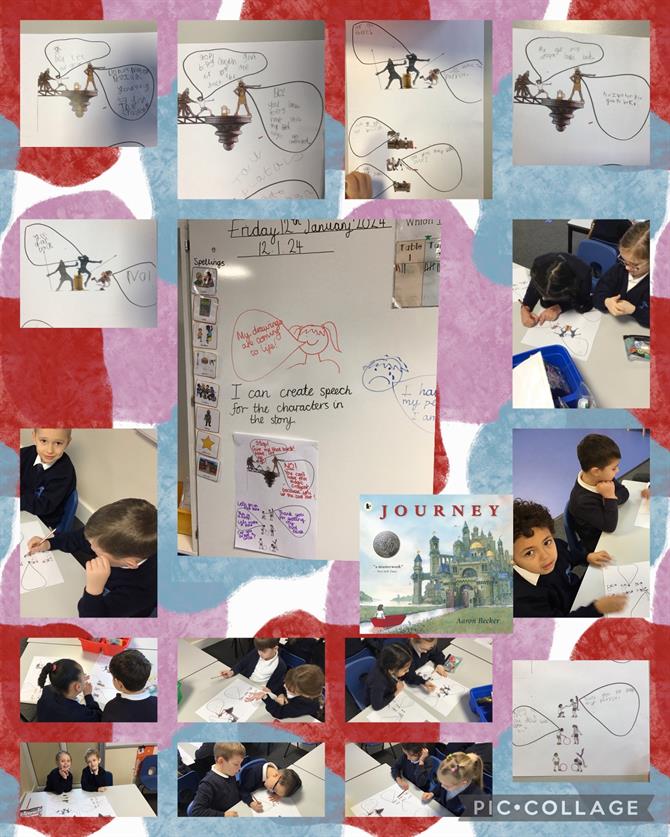
This week in English we explored different settings where our magical red door may lead us, we then chose one setting out of five. We then used our imaginations to draw an imaginary world. We also wrote setting description using interesting vocabulary and adjectives.
Maths
During our Maths lessons we have been learning about ‘one more’ and ‘one less’ within 20. We have also been learning about tens and ones using ten frames, base tens and rekenreks.
Other
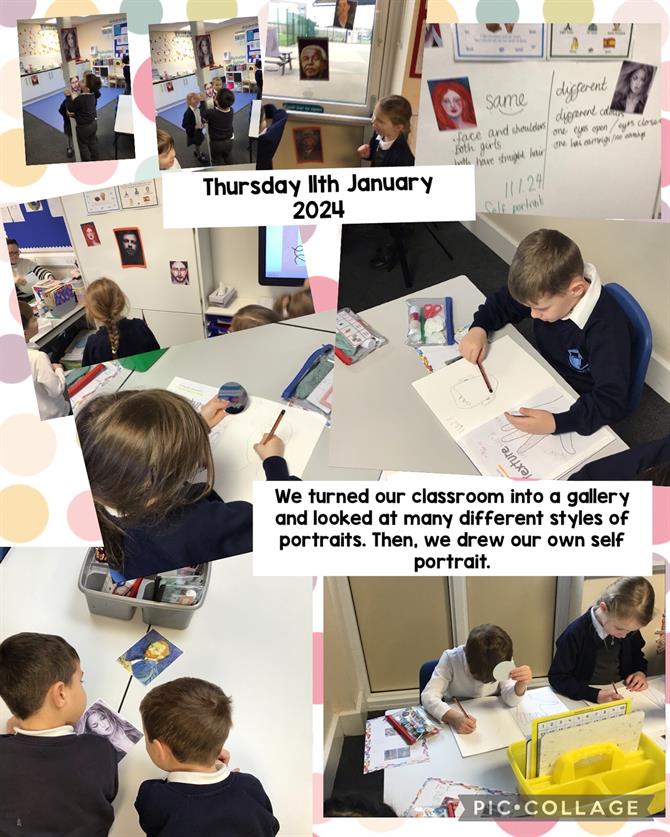
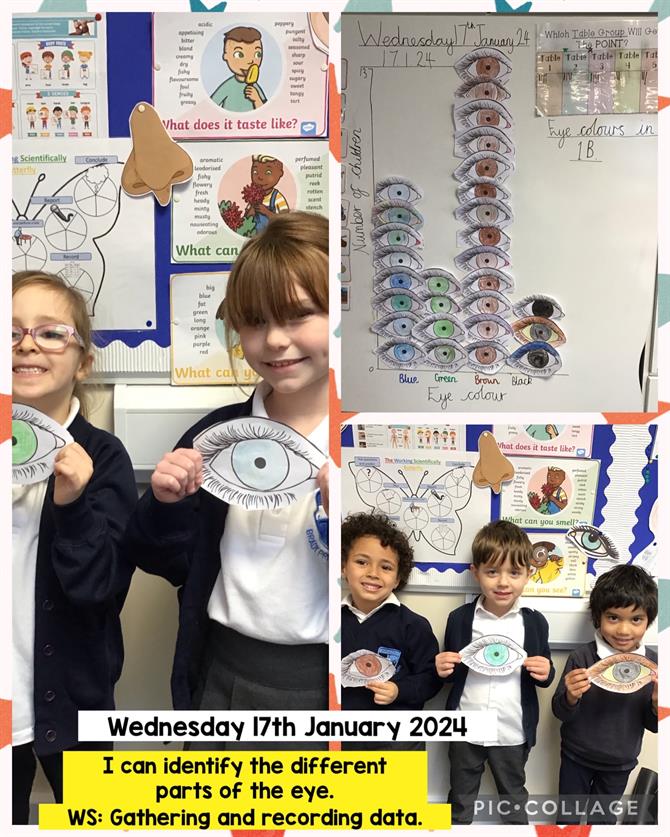
During our History lesson this week we created a timeline from 1950s to 2020s and looked at different events that took place within the time frame and sorted them in to different decades. We also focused on learning about life in 1950s. During our Science lesson this week we continued learning about the human body. We spoke about the different senses that we have and this week focused our learning around sight. We looked at different parts e.g. iris, pupil, eyebrows and eyelashes. We also looked at our partner’s eyes and saw how their pupil gets smaller when looking at bright light. We counted how many different eye colours in our classroom and turned this into a tally chart. In Art we made funny faces collage.