Reception S - Miss Skelton Class News

Class News
Latest articles
Spring 1 Week 1Miss Skelton and Miss Booth09 Jan 2026 Autumn 2 Week 7Miss Skelton19 Dec 2025 Autumn 2 week 6Miss Skelton and Miss Booth12 Dec 2025 Reception Autumn 2 Week 5Miss Skelton and Miss Booth05 Dec 2025 Reception Autumn 2 Week 4Miss Skelton and Miss Booth28 Nov 2025 Reception Autumn Week 3Miss Booth Miss Skelton21 Nov 2025 Reception Autumn 2 Week 2Miss Booth Miss Skelton14 Nov 2025 Reception Autumn 2 Week 1Miss Skelton and Miss Booth07 Nov 2025 Reception Autumn 1 Week 8Miss Booth and Miss Skelton24 Oct 2025 Autumn 1 Week 7Miss Booth Miss Skelton17 Oct 2025 Reception Autumn 1 Week 6Miss Booth10 Oct 2025 Reception Autumn 1 Week 5Miss Booth and Miss Skelton03 Oct 2025 Reception Autumn 1 Week 4The Reception Team26 Sep 2025 Reception Autumn 1 Week 3Miss Booth and Miss Skelton20 Sep 2025 Reception Autumn 1 Week 2Miss Booth and Miss Skelton12 Sep 2025
Archive
Articles 2024-25 Articles 2023-24 Articles 2022-23 Articles 2021-22

RS Spr 2 Week 3

12 Mar 2025

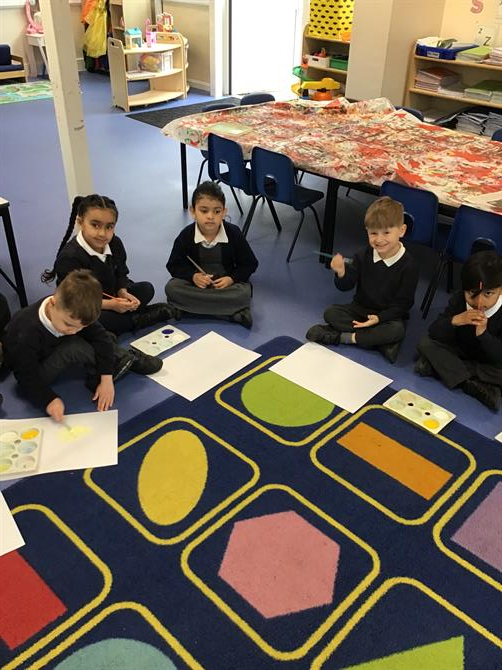
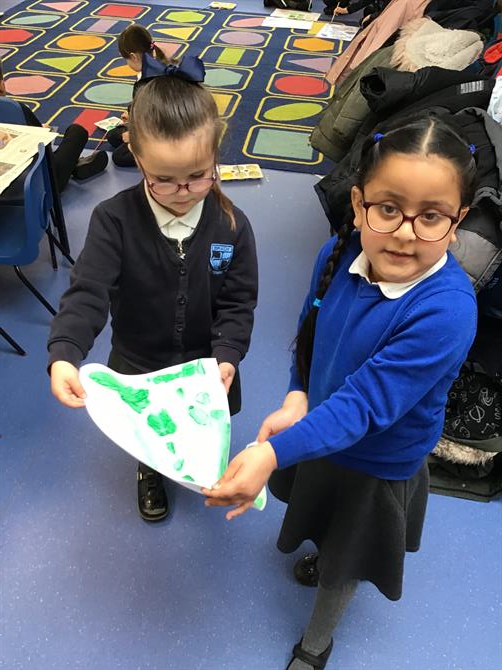
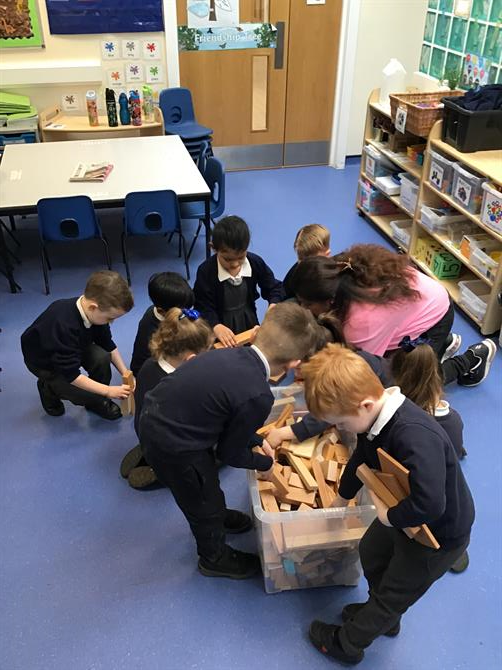
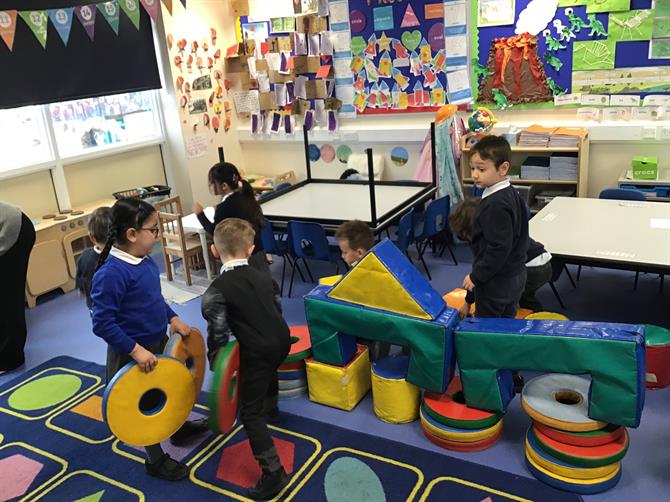
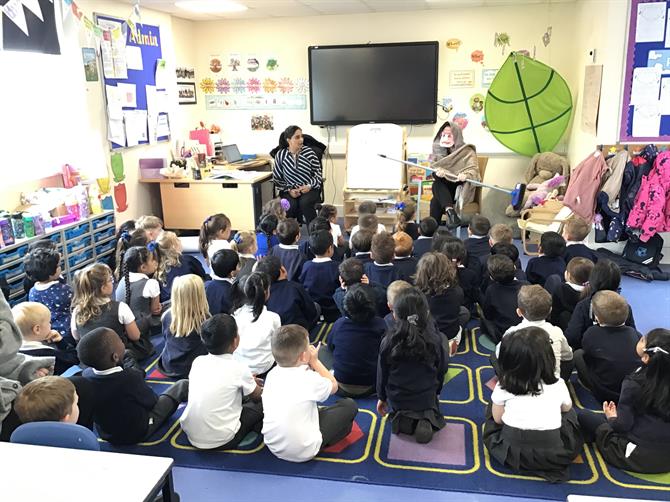
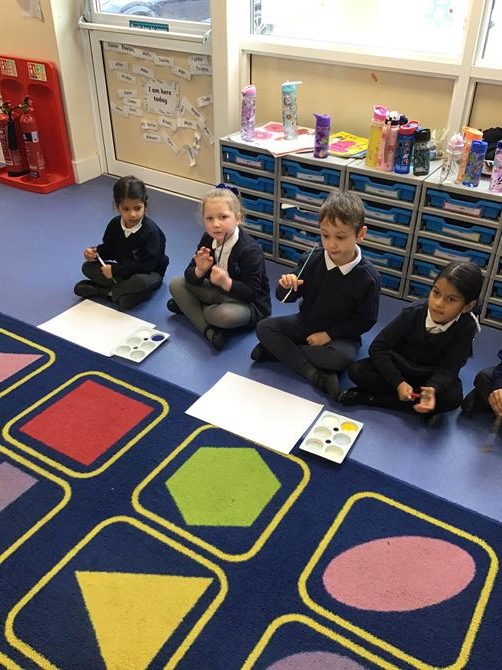
This week we have really enjoyed reading The 3 Billy Goats Gruff. Our main focus in relation to this story has been learning about and creating bridges using lots of different materials including art straws, big construction waffles, soft play, wooden blocks and duplo. 

Later in the week, children will be learning about famous bridges around the world. They will also be attempting to write a simple sentences about a setting as we are trying hard to improve our sentence writing and sounding out words. 

In maths we have learnt the names and some basic properties of 3D shapes and relating these to everyday objects. We went on a 3D shape hunt around the school which was fun! 

Please don't forget to book your parental consultation appointments online through the email link that was sent. School will be closed to children on this day- 26th March 2025. 

The Reception Team x


Please wait

Wennington Road
Rainham
Essex
RM13 9XA
Great Britain
Copyright © 2026   Brady Primary School
Website Design & Development for Schools By VisioSoft   |   T&C
User Guide   2178  


Selct an hour and a minute and then click on Set Time

Selected Time:  _:_

Hours
Minutes
 
Set Time
CLOSE